Try the full editor as a guest. If a file fails print prep, you are
never charged.
from a drawing
or a photo
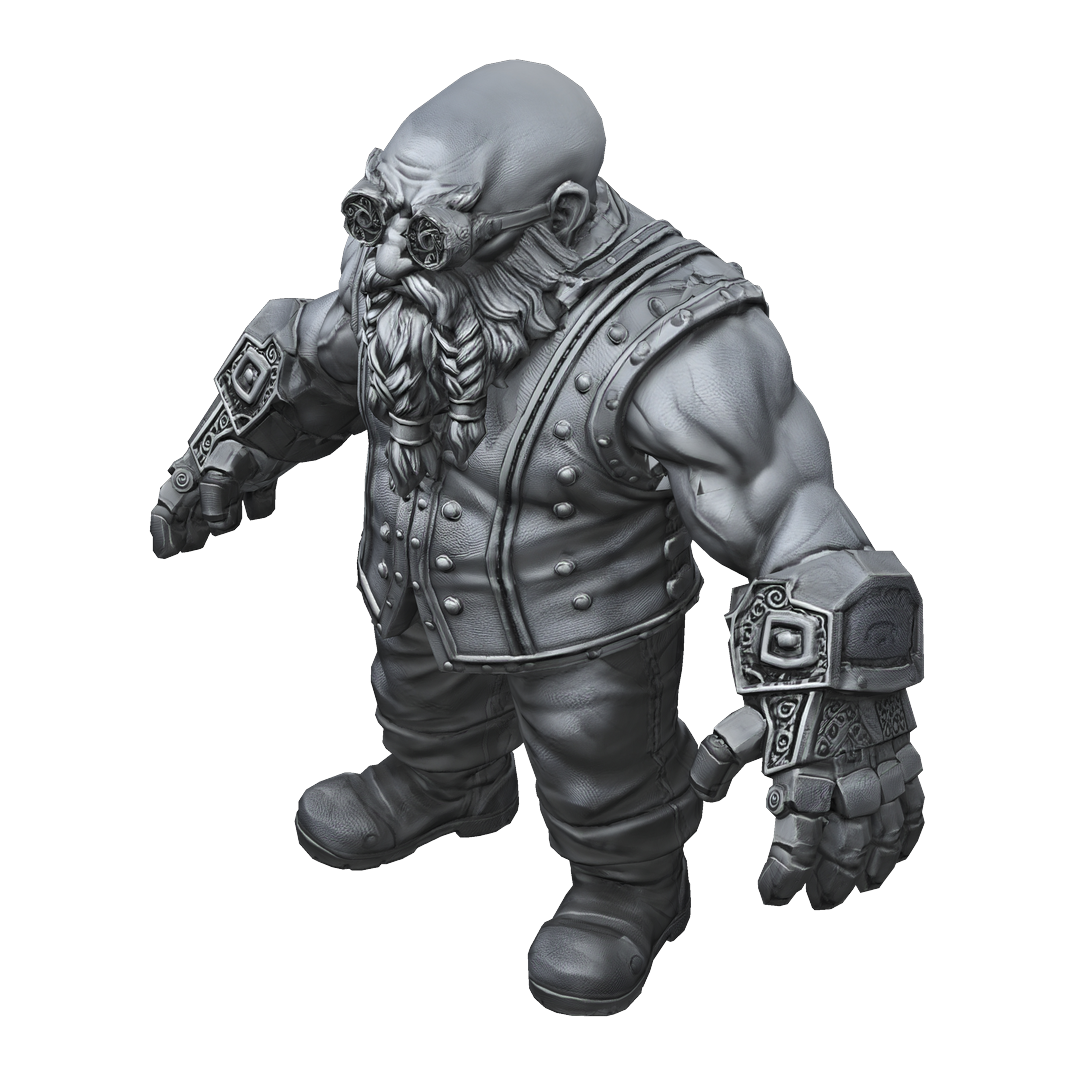
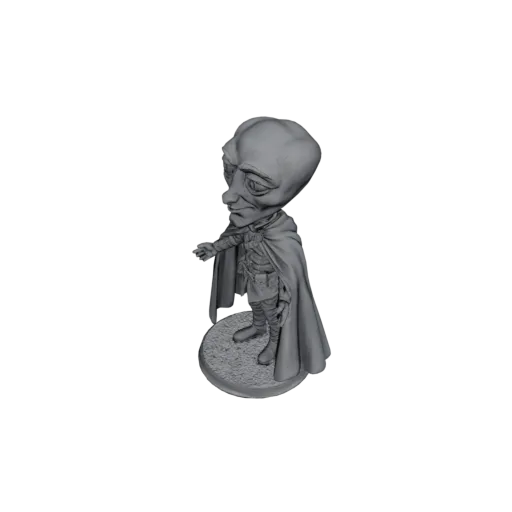
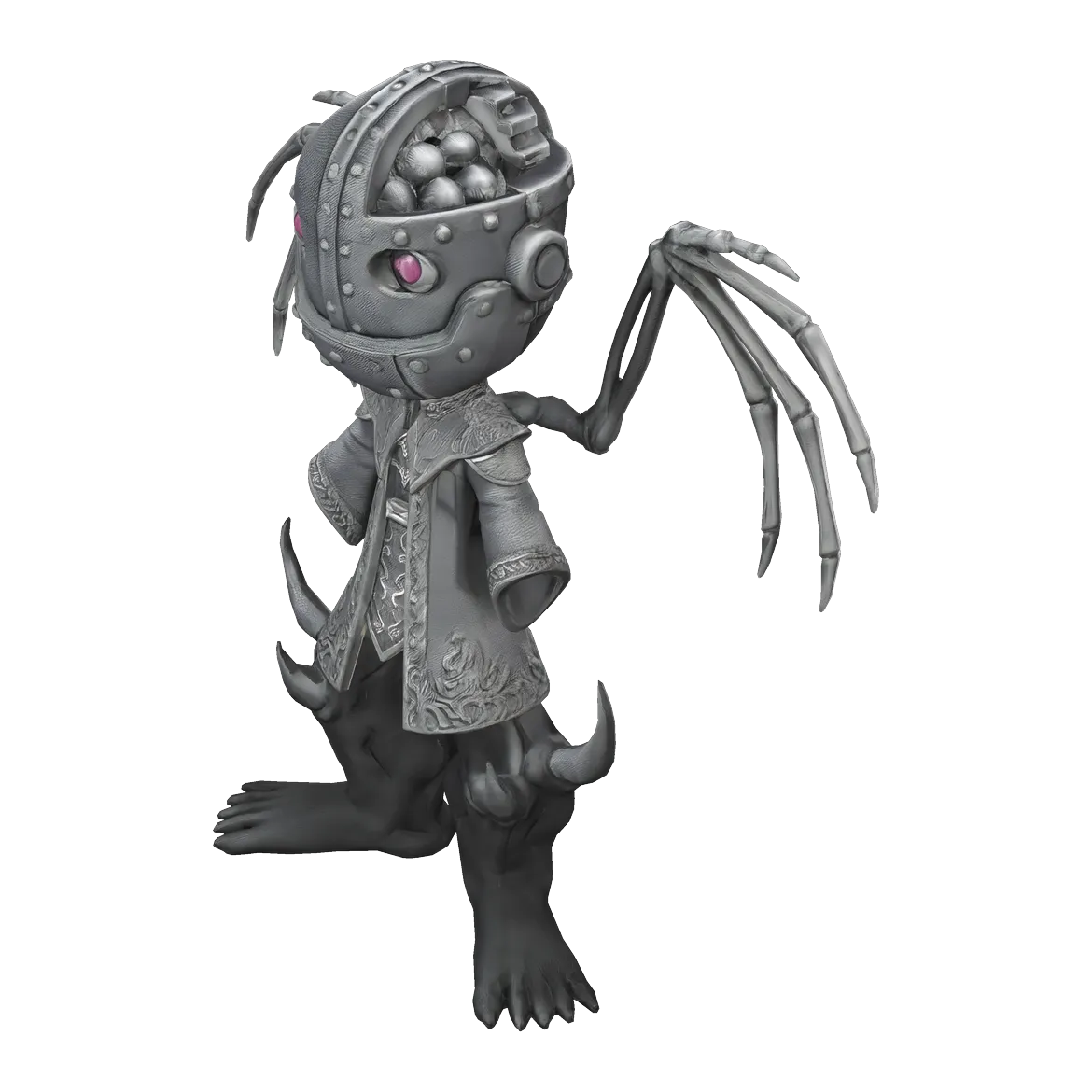
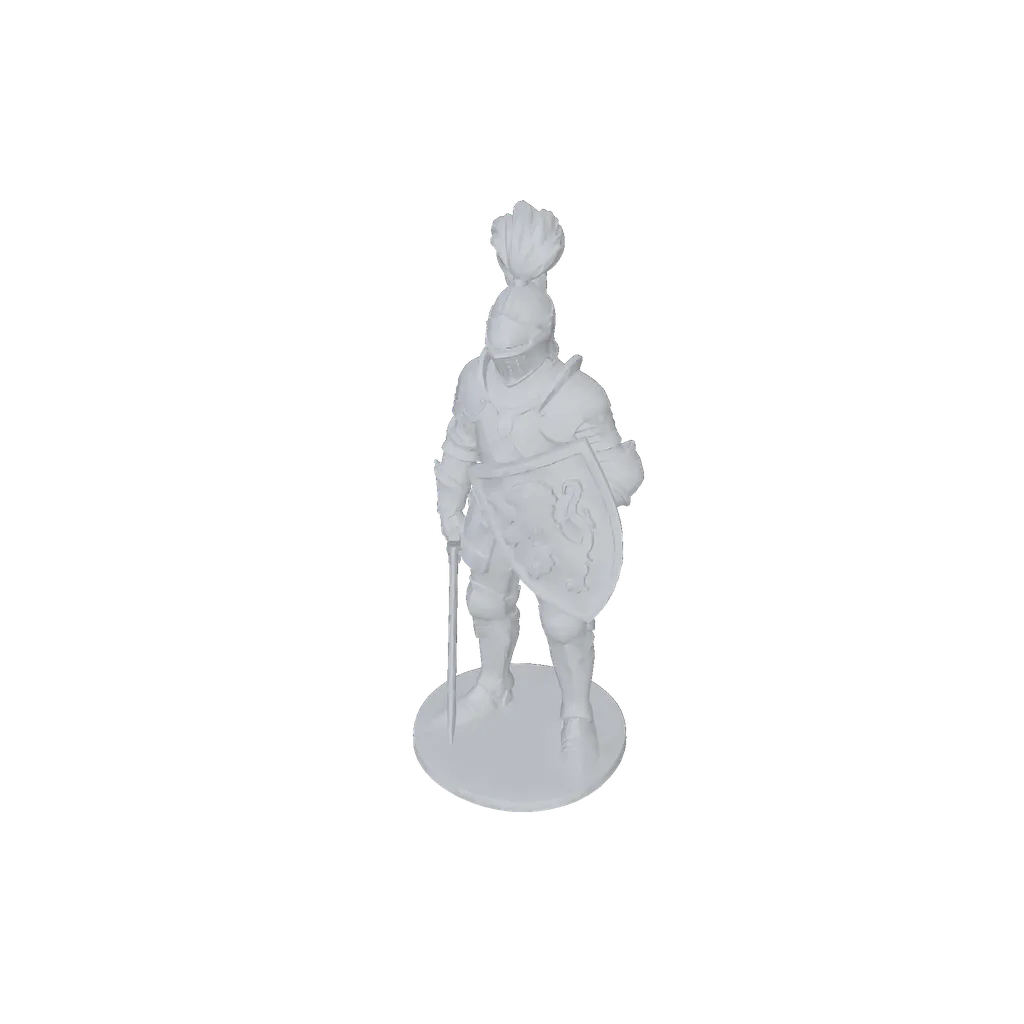
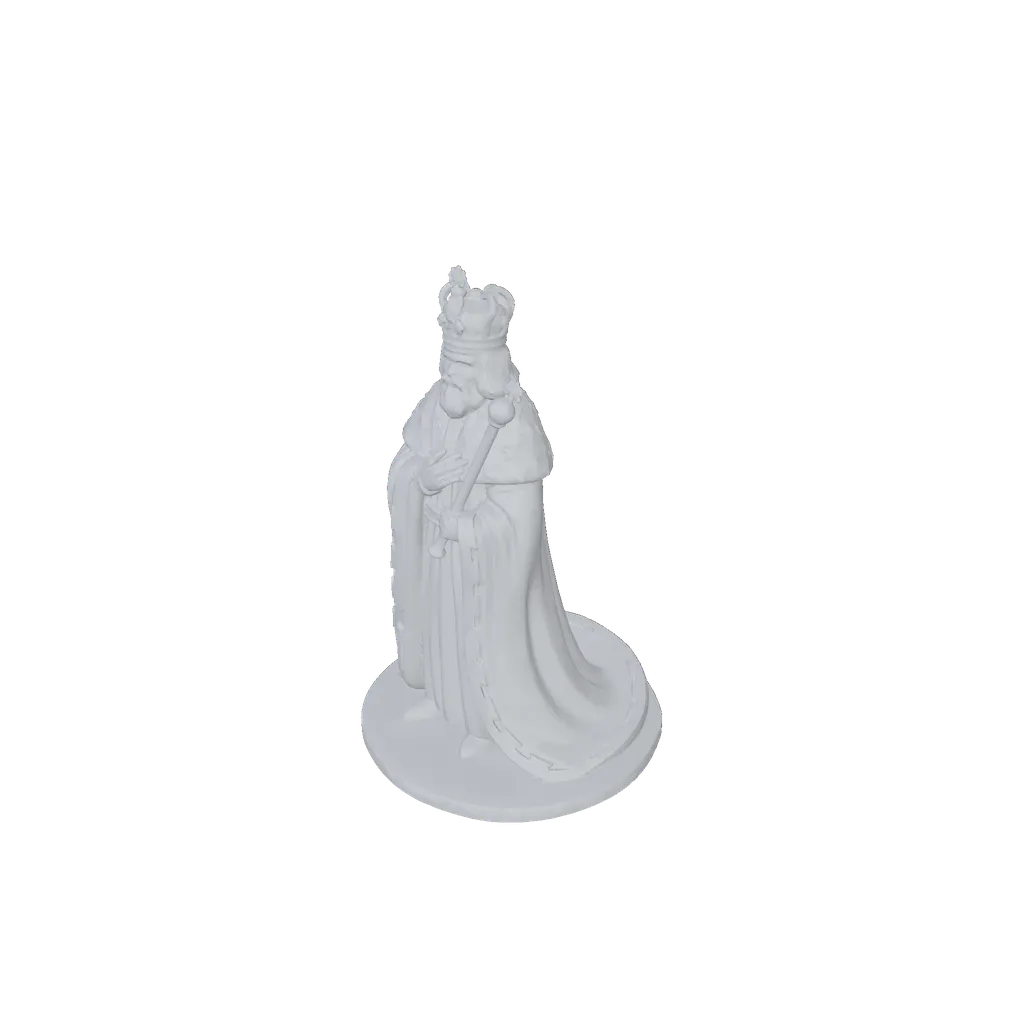
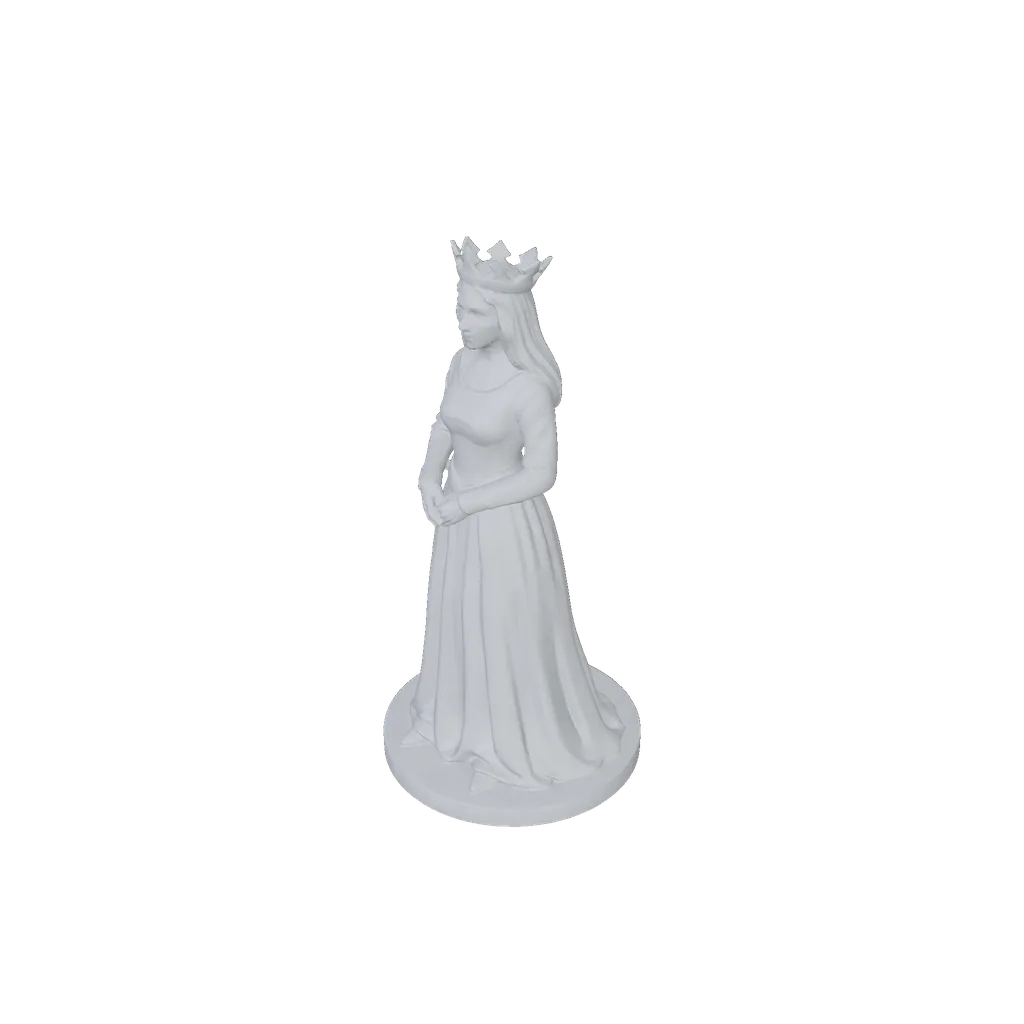
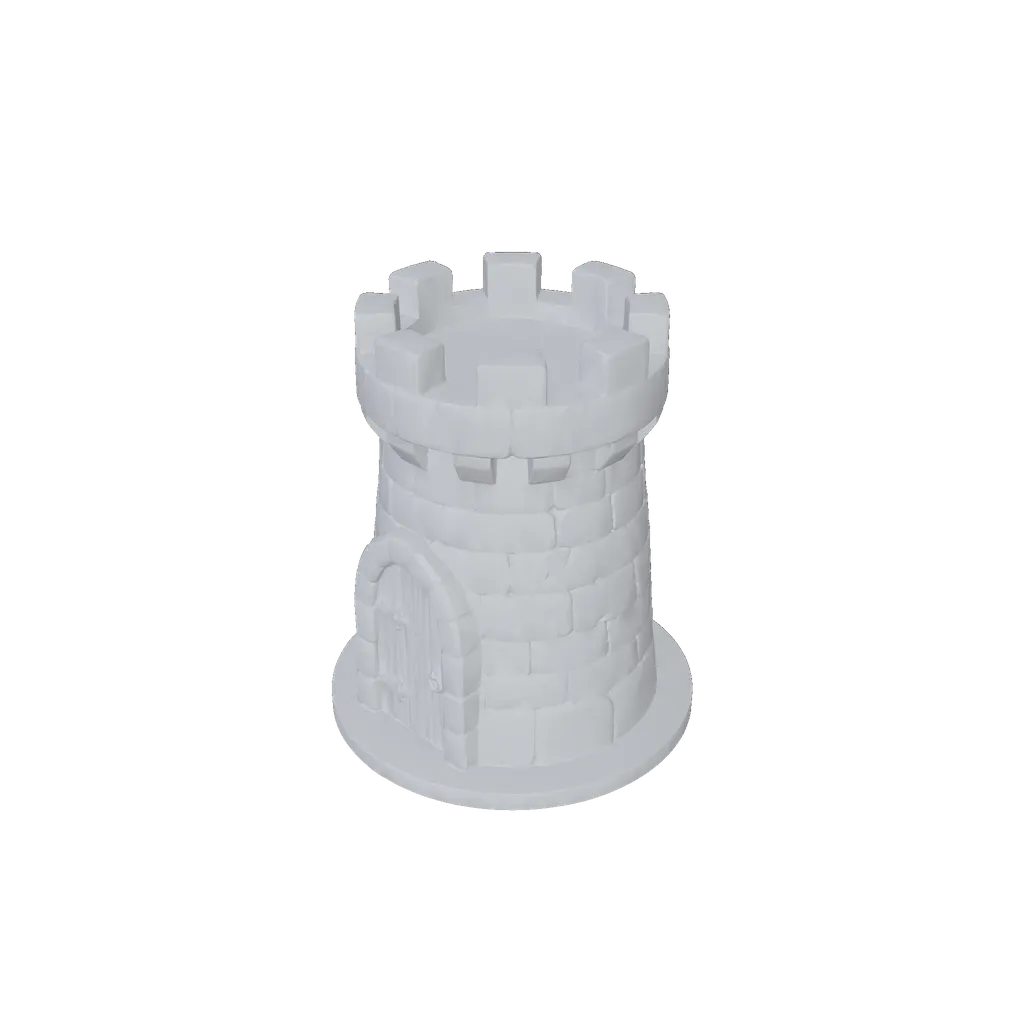
A real Miniwright generation, shown as the untextured geometry the print
file contains.
Examples
Real output, ready for a real printer.
Drag to rotate. Pinch or scroll to zoom.
Watertight, scaled to your size, a base if you want one, or you are never charged.
Raw image-to-3D tools get you a mesh, but skip the unglamorous part:
making that mesh actually printable. Every Miniwright file arrives
print-prepped for your printer and your size.
watertight (no holes in the surface)
resin walls ~0.4mm
FDM walls ~1.0mm
total height 6 to 250mm
presets 28 / 32 / 54 / 75mm
bases: round, square, hex, or none
resin hollowing + drain hole
as-printed preview with thin-spot markers
printability report on every model
No printer? The files work with any online print service. And when a
mesh needs heavy repair, fine detail may be rebuilt to keep the file
watertight; the app labels exactly what happened to yours.
Draw in a real browser editor, as a guest, or start from a photo of a person or pet. Drafts save on your device as you work.
2
See it before you spend
A live readiness check coaches your drawing, and you see exactly what the AI sees before credits move. Minis cost 5 to 11 credits by tier.
3
Sculpt and print-prep
The model gets built, then 8 stages make it printable: inspect, repair, scale, thin-check, base, hollow, orient, export. Sculpting usually takes 2-5 minutes once it starts.
4
Download and print
Check the as-printed preview, change scale, base, or printer tech with a free re-prep, then download the STL for resin or FDM.
Credits are held while a job runs, not spent. If the pipeline cannot deliver
a printable file, the hold is released. Print success also depends on your
slicer and hardware; the guarantee is about the file.
Both roads end at the same place: a print-ready miniature file.
Draw it
A real editor, not a prompt box: brush, eraser, lasso, 7 shapes, fill,
layers, and symmetry, on desktop and phone.
A live readiness check coaches your drawing with fixes, and a prompt
builder describes your character: 14 races, 12 classes, and a free
text override on every field.
800+ enhancement parts across 15 categories snap to your sketch,
mirror into pairs, tint to your palette, and can be decomposed into
editable outlines. They strengthen your drawing; this is not a
build-a-figure kit.
Add up to 4 views (front, side, back, three quarter) with locked
proportion guides, onion-skin ghosting, and suggested counterpart
placement.
Photos need a free account. 10 free credits when you verify.
Under the hood
A drawing tool, a generator, and a print engineer in one
8-stage print prep
Inspect, repair, scale, thin-check, base, hollow, orient, export, tuned separately for resin and FDM.
As-printed truth
A printability report and thin-spot overlay at your chosen size. Changing scale or tech re-preps for free.
Your file is never gone
STL downloads, single or batch, for any slicer. Expired cached files re-prep themselves for free on demand.
Fair credits
Credits are held, not spent. Failures release the hold, retries are free and unlimited, and every model gets 3 re-rolls, including a redo where you type what to change. Abandoning a concept returns everything except a 1-credit render fee.
Community gallery
Publish public, unlisted, or private, collect likes, and re-edit your drawings anytime.
Works where you do
An editor that works offline as a PWA, a full mobile editor, Google sign-in, and ready notifications by email and web push.
The unglamorous parts, handled.
Chess
Your people, pets, and heroes as a full chess set.
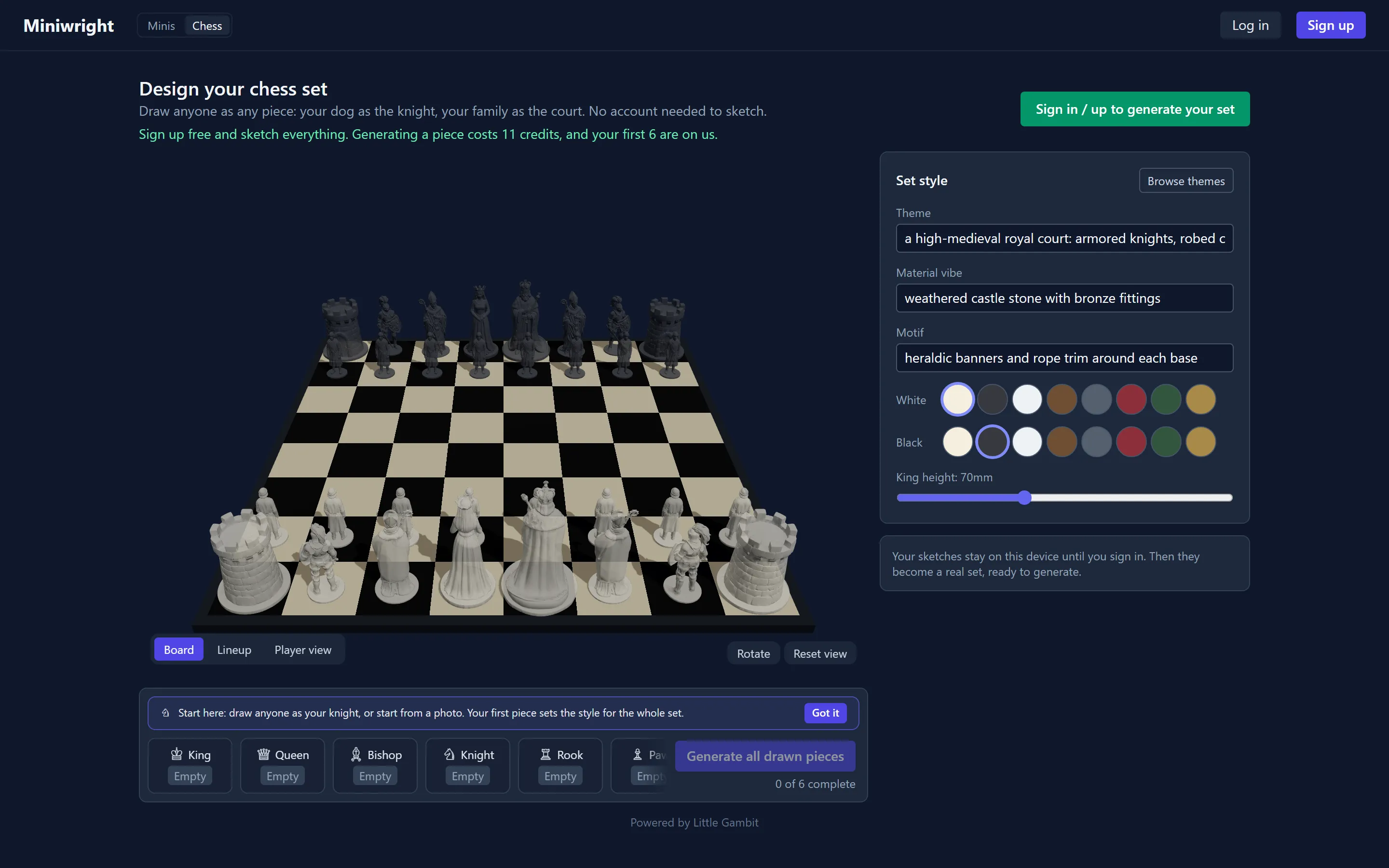
Design six pieces, watch them line up on a live 3D board, and print two full armies.
Four themes with draw-over template art for every piece: Family & pets, Medieval court, Creature menagerie, and Classic.
Design one piece, approve its concept, and the rest of the set follows its style.
Set a king height in mm and every piece scales in proportion, with mm guides on the canvas while you draw.
A live 3D board and a lineup with a mm ruler show the set as a set, and the whole board is open to guests with no account.
The print card covers both armies: 16 prints per army, 32 total. White vs black is a print-material choice, not separate models.
Pieces are priced in the same credits as minis: 11 credits per piece,
the same as a single Pro mini; 66 for a full set.
Credits are held, not spent. If print prep fails, they are released. You are
never charged for a broken file.
Chess pieces use the same credits: 11 per piece, 66 for a full set. Prices
are in USD. Payments are processed securely by PayPal; taxes may apply
depending on your country.
FAQ
Questions, answered honestly.
Do I need my own 3D printer?
No. You download a print file and print it wherever you like: your own resin or FDM printer, a friend's, or any online print service. The pipeline tunes the file per technology, with roughly 0.4mm minimum walls for resin and 1.0mm for FDM.
What does one mini cost?
Draft costs 5 credits, Standard 9, Pro 12. Color adds 1 credit and an extra view adds 2. With the Studio pack at $0.18 per credit, a Pro mini comes to about $2.16. A full chess set is 66 credits.
What files do I get, and will they work with my printer?
You download STL, the format every slicer accepts, single models or a batch. Every file is watertight, scaled to your chosen height from 6 to 250mm, and sits on a base if you chose one.
What happens if a generation fails?
Credits are held during a job, not spent. If the pipeline cannot deliver a printable file, the hold is released, retrying is free and unlimited, and every model includes 3 re-rolls. If you abandon a concept preview, everything returns except a 1-credit render fee.
What about photos of my kids or my pet?
You choose the photo, we isolate the subject, and nothing is sculpted until you approve the concept. You can delete any uploaded photo and its cutout at any time from Settings, and deletion always works. Only upload photos you have the right to use; see the Privacy Policy for handling details. Read the Privacy Policy
Can I sell prints of my minis?
Minis are for personal use by default. The Pro subscription includes commercial-use rights.
How long does it take, and do I have to wait around?
Sculpting usually takes 2-5 minutes once it starts. You can close the tab; we notify you by email and web push when your mini is ready, and the editor keeps working offline as a PWA.
Do I need an account to try it?
No. The drawing editor and the chess board are open to guests, and your work stays on your device until you sign up. Signing up grants 10 free credits after email verification, with no card needed.
Can I get a refund on purchased credits?
Failed generations release their credits automatically, so most problems never cost you anything. For purchases, the Refund Policy is the source of truth. Read the Refund Policy
Draw something tonight. Have the print file before bed.
Open the editor, sketch for five minutes, and see what the AI makes of
it. Signing up gets you 10 free credits, enough for your first mini in color.